
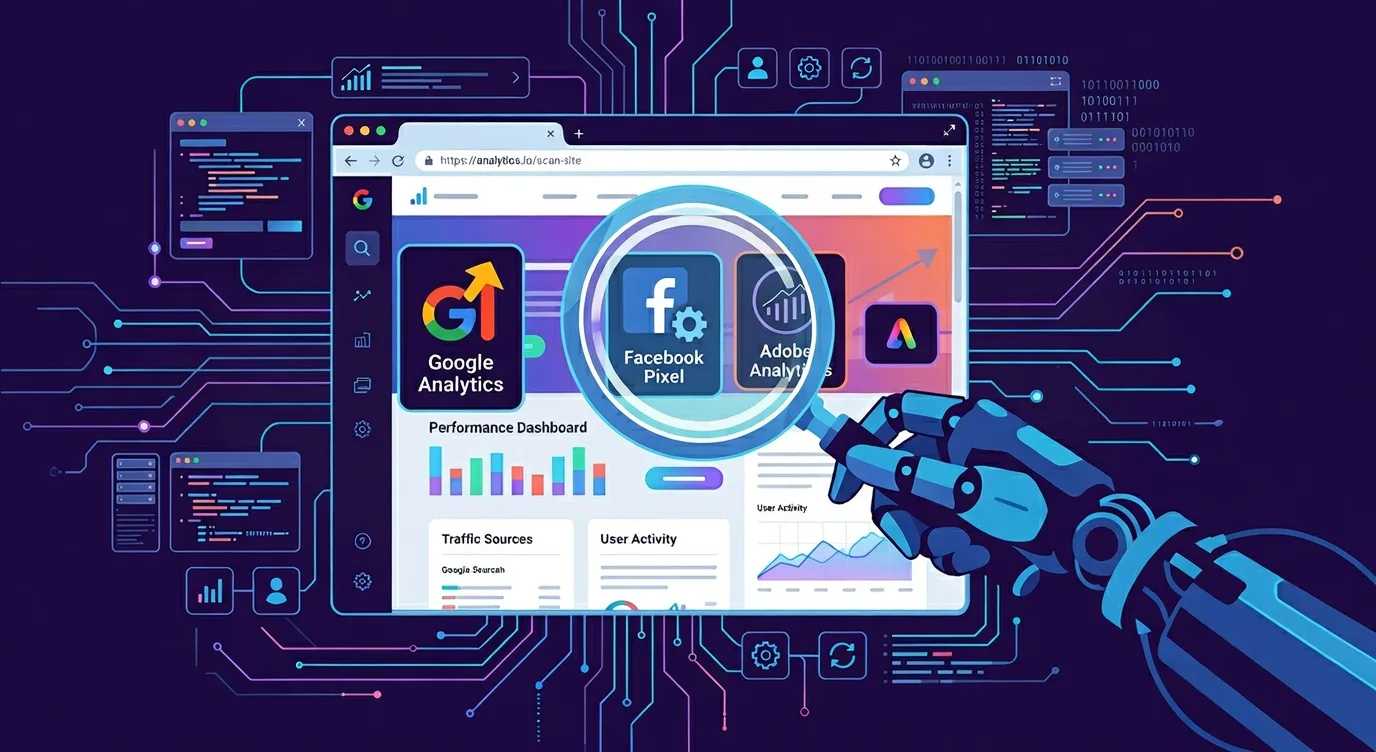
What Is TagScanner?
Many websites use tracking tools like Google Analytics, Adobe Analytics, Facebook Pixel, and other marketing tags to collect visitor data. But how do you know what tools are actually on your site and where they’re located?
TagScanner automatically crawls your website and identifies all tracking tools present. It gives you a clear report showing:
- Which tracking tools are installed (Google, Adobe, Meta, LinkedIn, Microsoft, etc)
- How many pages on your site use each tool
- Where each tool is present (per-page breakdown)
Perfect for marketers, developers, and privacy officers who need to understand their site’s tracking landscape.
How It Works
TagScanner uses a three-layer architecture to scan websites and detect tracking tools:
- Web Interface (Angular SPA) – Users submit URLs and view results through a responsive web interface built with Angular.
- MySQL Database – Stores scan requests and results.
- n8n Workflow – An automation workflow reads new requests from MySQL, uses Puppeteer to load each page, runs checks for known tracking scripts (Google Analytics, Adobe Analytics, Facebook Pixel, etc.), and writes findings back to the database.

The Scanning Process
- Submit a URL – Enter website’s main address in the web interface
- Request stored – The API saves the request to MySQL
- Crawler picks up – n8n periodically reads new requests and triggers Puppeteer crawls
- Results written – Detection findings are stored in the MySQL
- View results – The web interface fetches results via the API and displays them
Getting Started

- Go to the TagScanner home page
- Enter your website URL (e.g.,
https://www.yourcompany.com) - Enter your email address
- Optinally enter includes and exclude items
- Click Submit
You’ll receive an email when your scan is complete. Click the link in your email to view the detailed report.
What You’ll See
After scanning, your report shows:
Summary Cards
- Total pages scanned
- How many completed, failed, or are still queued
- How many unique tracking tools were found
Tag Distribution
A visual list of the most common tracking tools on your site, with bars showing how many pages use each one.
Per-Page Details
A table showing each page URL and which tracking tools were found on each page, and the status of the page if it was finished or error.
Common Use Cases
- Marketing audit – Verify which analytics tools are deployed across your site
- Privacy compliance – Identify all tracking tools for your privacy policy or consent management
- Tag cleanup – Find and remove unused tracking scripts
- Development verification – Confirm tags are working correctly on new pages
Limitations
- Scans are limited to pages on the same domain as your starting URL
- Some tools may not be detected if they load under specific conditions
- There is limits on how many pages can be scanned per request